It all comes down to how complete and good the tool is, both for CLI and for GUI. I’ve seen GUI tools that give more information than the equivalent CLI, and of course I’ve also seen the opposite as you have.
What grinds my gears the most though is when there’s no tool at all, you need to edit some config file, and the instructions given are nano /path/file.conf (or, god forbid, vim). It’s a text editor, why not use a normal one?! There are no guardrails either way to ensure the format is correct!
Obviously in that scenario someone should make an interface to edit the config safely, be it GUI or CLI, but that’s another matter.
Speaking of which, the latest Mint released ~yesterday added a GUI to make common edits to the grub bootloader. See: https://www.linuxmint.com/rel_zena_whatsnew.php “System Administration”. I am not aware of any CLI that can do this, I think before this you had to edit a text file and hope you got it right. At least as far as common recommendations go.
I agree on CLI text editors. I get why they exist, but for most users they should be a last resort, not the primary instruction.
Instead of telling people to use Nano, just tell people to edit the .conf in a text editor and let them choose!
Many users won’t understand that what they’re being told to do with Nano is literally just edit a text document with a funky file extension, and that they don’t actually have to that it in CLI (in-fact it might even be easier not to if you’re not familiar with them).
Exception for helping someone who sshed into something and doesn’t understand what they are doing.
It happens that someone without knowledge has no idea how to interactively edit a file on a system they can only ssh into. ‘run nano’ is easier than ‘ok, now I’ll show you how to WinSCP the file down edit it, and put it back, but make sure you don’t screw up the CRLF or permissions in the process…’


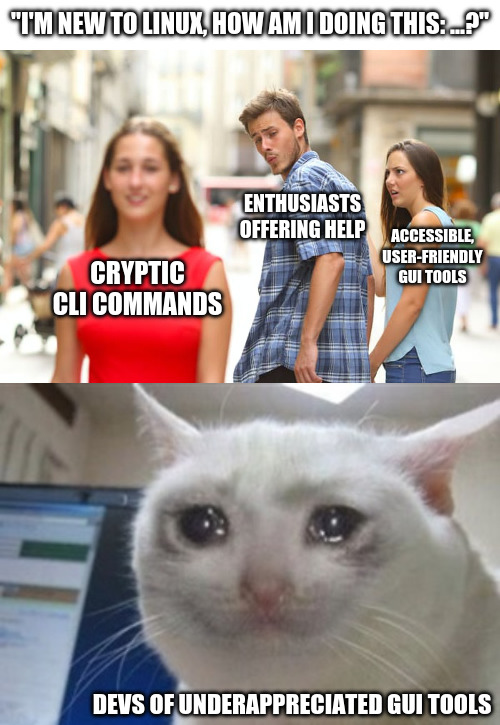
I’m glad we’re in agreement.
It all comes down to how complete and good the tool is, both for CLI and for GUI. I’ve seen GUI tools that give more information than the equivalent CLI, and of course I’ve also seen the opposite as you have.
What grinds my gears the most though is when there’s no tool at all, you need to edit some config file, and the instructions given are
nano /path/file.conf(or, god forbid, vim). It’s a text editor, why not use a normal one?! There are no guardrails either way to ensure the format is correct!Obviously in that scenario someone should make an interface to edit the config safely, be it GUI or CLI, but that’s another matter.
Speaking of which, the latest Mint released ~yesterday added a GUI to make common edits to the grub bootloader. See: https://www.linuxmint.com/rel_zena_whatsnew.php “System Administration”. I am not aware of any CLI that can do this, I think before this you had to edit a text file and hope you got it right. At least as far as common recommendations go.
I agree on CLI text editors. I get why they exist, but for most users they should be a last resort, not the primary instruction.
Instead of telling people to use Nano, just tell people to edit the .conf in a text editor and let them choose!
Many users won’t understand that what they’re being told to do with Nano is literally just edit a text document with a funky file extension, and that they don’t actually have to that it in CLI (in-fact it might even be easier not to if you’re not familiar with them).
Exception for helping someone who sshed into something and doesn’t understand what they are doing.
It happens that someone without knowledge has no idea how to interactively edit a file on a system they can only ssh into. ‘run nano’ is easier than ‘ok, now I’ll show you how to WinSCP the file down edit it, and put it back, but make sure you don’t screw up the CRLF or permissions in the process…’