

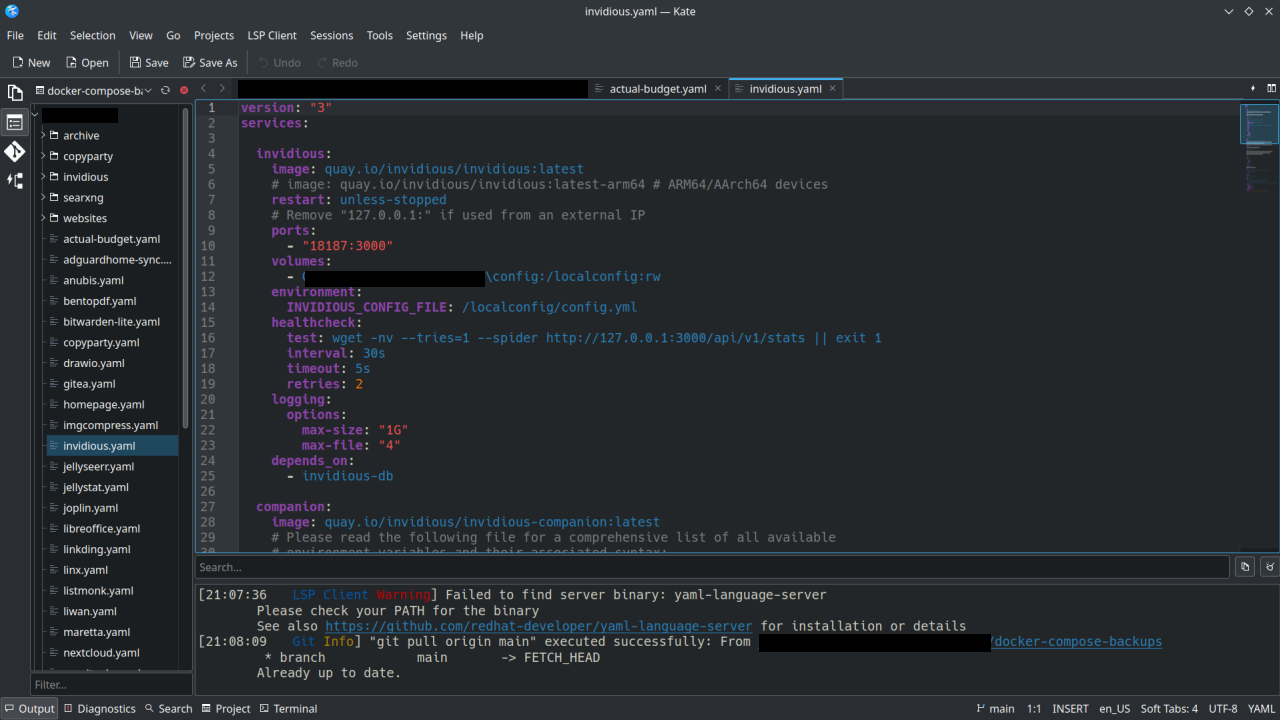
I have been using KDE via Kubuntu for about 2 years now, other distros with Gnome before that. Based upon the name (KDE Advanced Text Editor, K.A.T.E.) I always thought of Kate as an alternative to Notepad++ or something like that. Like a highend note-taking app.
I recently started using Kate for managing my Docker-Compose yaml files on my homelab, using the Git functionality to sync to my repos and doing some web development. It’s basically an alternative to VSCode or Codium.
Thanks to the devs who work on Kate . If you don’t hear it enough we appreciate you!
@Dave @yodeljunkmanenvy
Yup, the Sessions feature can do that for you. I do the same thing. #Kate #KDE #Linux
Oh shit you’re right, it does do that!
For others, here’s what I did: