My issue is the categorization which in turn paints a picture on a lot of OSes. Call it a Pop OS challenge, or debian challenge, etc. In people’s minds there is windows, ios, and everything else is “linux”. Just leaves a bad taste. Just like in your comment you’re broadly painting “linux” issues as if windows or such doesn’t also run into problems at times (especially with windows updates lately).
In the talk show they do, he talked about how even with the issues he loves Pop OS and even mentioned that very argument–that he has problems with Windows too, and at least this way one of those problems isn’t copilot.
99% of Linux distros behave the same for the most part. There are outliers, like immutables, or NixOS, but whether you’re using Ubuntu, PopOS, Kubuntu, or Mint, your experience with the “linuxness” of your OS will be mostly identical. I’m not talking about things like “the DE looks different”, or the overall “look and feel”, I’m talking about software compatibility, driver compatibility, etc.
You could, I guess, argue if they should say “we’re testing a Debian based distro” instead of “Linux”, but that’s about it.
They are similar overall, yes. Skills and knowledge also transfers between distros. The experience can vary significantly.
If your hardware is correctly detected gets the correct drivers including non free firmware installed, and is correctly configured varies wildly.
For some distros you might have to switch to the iwd instead of networkmanager for wifi to work correctly. You might have to disable powersaving on your wifi or Bluetooth to work correctly. If keyboard backlight works out of the box also varies. Bluetooth audio without cracks, distortion, artifacts might also need tweaking of bluetooth or wifi. Some drivers might only work well with certain kernel versions too.
Software compatibility has gotten a lot better thanks to flatpak and appimage. However having a current version in the package manager instead of having to search for it is nice. Even then you might have to try several options until you find one that works.
The quality of the documentation and the user community also matters a lot in practice. Do they yell at noobs to RTFM or answer welcoming and politely?
For some distros you might have to switch to the iwd instead of networkmanager for wifi to work correctly. You might have to disable powersaving on your wifi or Bluetooth to work correctly (…)
And unless the people doing the “let’s use Linux for however many days” challenge have that specific issue, they won’t learn about it anyway.
On top of that - even if they said “OK, we’re using specifically Mint for 30 days”, and then you go out and try Mint, YOU might end up with massive issues, because your hardware is not supported properly.
They’d have to specify the OS and the hardware if you want a “reproducible experience”.
The quality of the documentation and the user community also matters a lot in practice. Do they yell at noobs to RTFM or answer welcoming and politely?
In my experience, after looking through r/Linux, r/Linux4noobs, or the various Linux communities on Lemmy - you’re going to get yelled at no matter the distro. It’s a matter of timing and luck (who’s currently online, and are they having a good day).
As already mentioned, Ubuntu/PopOS/Kubuntu/Mint are maybe the four most identical distros in the entire ecosystem. But your point really does hold true even with less-identical distros.
Currently, I have an Ubuntu Server, an Arch PC, and an old laptop “test machine” running Fedora. These are totally different limbs of the Linux family tree, but things pretty much work the same in all of them. The main difference is the package manager: Apt vs Pacman vs DNF. But like, they’re all doing basically the same thing under the hood: checking your installed software against some repository to see if anything needs an update. The actual workflow is pretty much the same with any of them.
After that it’s pretty much just a question of downloading the desktop environment and software you like. Or finding a distro that comes pre-installed with what you want. To make a gaming analogy: linux distros are like Dark Souls classes: starting stats and equipment, but the starting point doesn’t lock you into your you build in the future.
The “primary” distros would be Arch, Debian, Fedora, and NixOS.
Anything that grew out of those (with NixOS being to young for that yet, I think), is going to run basically identically, and since they all grow from the same kernel, at a fundamental level they also behave similarly.
Like, if you switch from macOS to Windows, you see fundamental differences in how things operate. If you switch from Fedora to Arch, you need to learn the new package manager syntax, but the rest is still Linux.
I’m simplifying, but I think you know what I mean.
The culture of different distros matters. Lots of people had issues with Manjaro because the devs let their certificates expire. Other distros weren’t affected by that.


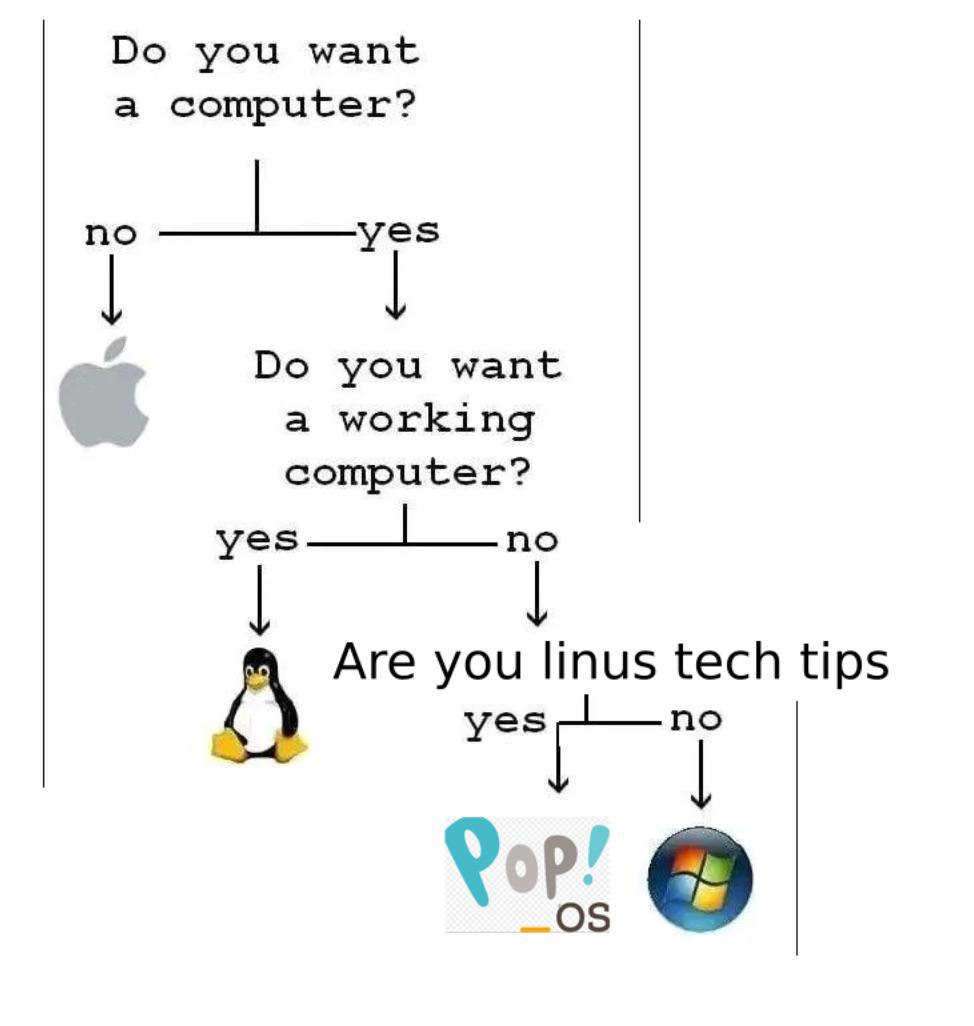
My issue is the categorization which in turn paints a picture on a lot of OSes. Call it a Pop OS challenge, or debian challenge, etc. In people’s minds there is windows, ios, and everything else is “linux”. Just leaves a bad taste. Just like in your comment you’re broadly painting “linux” issues as if windows or such doesn’t also run into problems at times (especially with windows updates lately).
In the talk show they do, he talked about how even with the issues he loves Pop OS and even mentioned that very argument–that he has problems with Windows too, and at least this way one of those problems isn’t copilot.
This is an extremely bad take.
99% of Linux distros behave the same for the most part. There are outliers, like immutables, or NixOS, but whether you’re using Ubuntu, PopOS, Kubuntu, or Mint, your experience with the “linuxness” of your OS will be mostly identical. I’m not talking about things like “the DE looks different”, or the overall “look and feel”, I’m talking about software compatibility, driver compatibility, etc.
You could, I guess, argue if they should say “we’re testing a Debian based distro” instead of “Linux”, but that’s about it.
They are similar overall, yes. Skills and knowledge also transfers between distros. The experience can vary significantly.
If your hardware is correctly detected gets the correct drivers including non free firmware installed, and is correctly configured varies wildly.
For some distros you might have to switch to the iwd instead of networkmanager for wifi to work correctly. You might have to disable powersaving on your wifi or Bluetooth to work correctly. If keyboard backlight works out of the box also varies. Bluetooth audio without cracks, distortion, artifacts might also need tweaking of bluetooth or wifi. Some drivers might only work well with certain kernel versions too.
Software compatibility has gotten a lot better thanks to flatpak and appimage. However having a current version in the package manager instead of having to search for it is nice. Even then you might have to try several options until you find one that works.
The quality of the documentation and the user community also matters a lot in practice. Do they yell at noobs to RTFM or answer welcoming and politely?
Did you just say Ubuntu four times?
And unless the people doing the “let’s use Linux for however many days” challenge have that specific issue, they won’t learn about it anyway.
On top of that - even if they said “OK, we’re using specifically Mint for 30 days”, and then you go out and try Mint, YOU might end up with massive issues, because your hardware is not supported properly.
They’d have to specify the OS and the hardware if you want a “reproducible experience”.
In my experience, after looking through r/Linux, r/Linux4noobs, or the various Linux communities on Lemmy - you’re going to get yelled at no matter the distro. It’s a matter of timing and luck (who’s currently online, and are they having a good day).
That was kind of my point.
As already mentioned, Ubuntu/PopOS/Kubuntu/Mint are maybe the four most identical distros in the entire ecosystem. But your point really does hold true even with less-identical distros.
Currently, I have an Ubuntu Server, an Arch PC, and an old laptop “test machine” running Fedora. These are totally different limbs of the Linux family tree, but things pretty much work the same in all of them. The main difference is the package manager: Apt vs Pacman vs DNF. But like, they’re all doing basically the same thing under the hood: checking your installed software against some repository to see if anything needs an update. The actual workflow is pretty much the same with any of them.
After that it’s pretty much just a question of downloading the desktop environment and software you like. Or finding a distro that comes pre-installed with what you want. To make a gaming analogy: linux distros are like Dark Souls classes: starting stats and equipment, but the starting point doesn’t lock you into your you build in the future.
NixOS is a different beast for sure.
Yes, that was exactly the point I was making.
The “primary” distros would be Arch, Debian, Fedora, and NixOS.
Anything that grew out of those (with NixOS being to young for that yet, I think), is going to run basically identically, and since they all grow from the same kernel, at a fundamental level they also behave similarly.
Like, if you switch from macOS to Windows, you see fundamental differences in how things operate. If you switch from Fedora to Arch, you need to learn the new package manager syntax, but the rest is still Linux.
I’m simplifying, but I think you know what I mean.
Kind of, but some distros are still much more stable than others.
It’d be like only ever trying windows ME or vista, rather than 2000 or 7.
You’re still getting ‘the windows experience’, but you happen to be using one of the least stable options available. Much like choosing pop vs debian.
Depends on the hardware config mostly.
See? Here’s the problem - I installed PopOS on my old EliteBook to check it out and it’s been absolutely marvellous. Zero issues whatsoever.
At the same time, at work we have laptops that choke and panic under Debian.
The culture of different distros matters. Lots of people had issues with Manjaro because the devs let their certificates expire. Other distros weren’t affected by that.
It’s not a problem that’s going to pop-up during a “let’s use XYZ for ## days” challenge.
It literally did last time Linus tried due to a missing dependency for steam in the PoP!_OS repo.